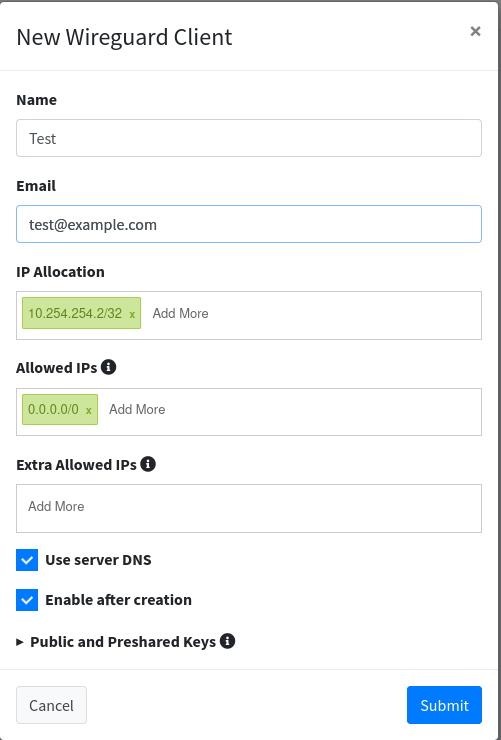
Step 4 - Add Clients
Adding Clients
Click on “Wireguard Clients” to begin adding new client devices.
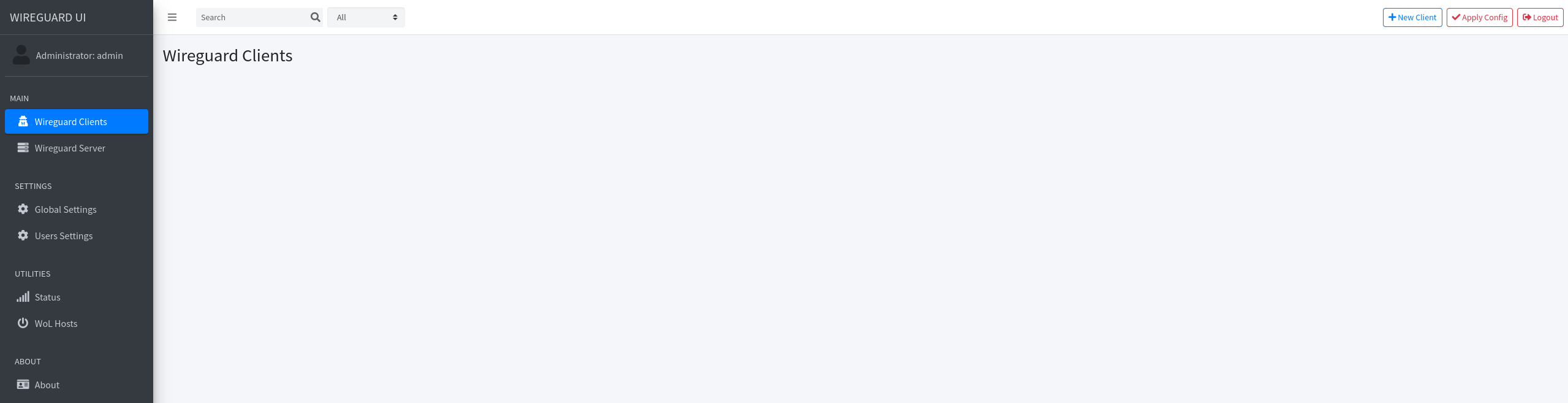
Click “+ New Client” and fill in the form:
- Name & Email: Optional identification for the client.
- IP Allocation: Auto-assigns next available IP in the subnet.
- Allowed IPs: Define network access (avoid using
0.0.0.0/0if not needed). - Extra Allowed IPs: Leave blank for most devices. Use only when routing to subnets behind routers/firewalls (e.g., Mikrotik, OPNSense).